To solve this problem, you can import an .reg file into the Windows registry:
Windows Registry Editor Version 5.00

[HKEY_LOCAL_MACHINE\SOFTWARE\Policies\Microsoft\Windows\LocationAndSensors]
"DisableLocation"=dword:00000000
"DisableWindowsLocationProvider"=dword:00000000
"DisableLocationScripting"=dword:00000000
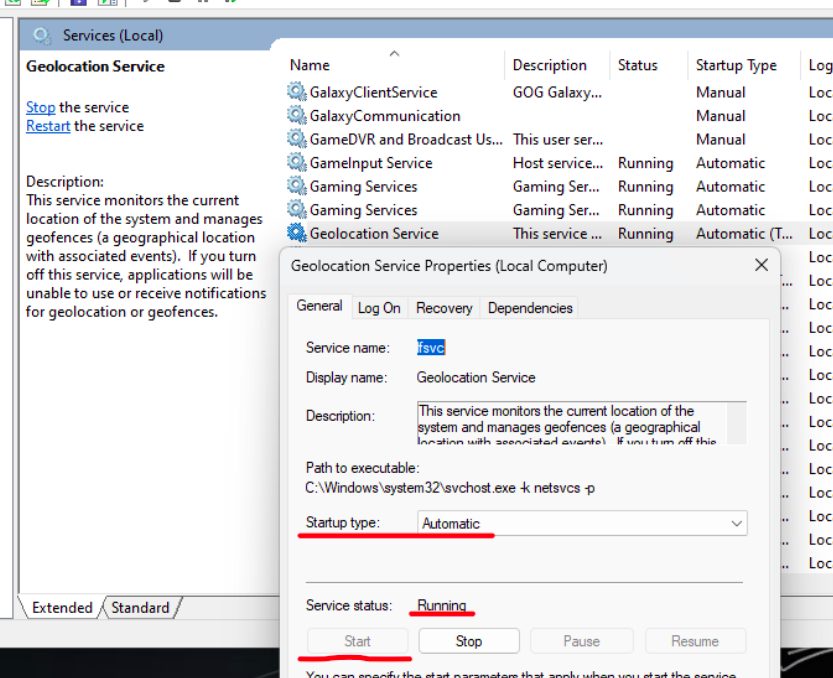
I also had to reactivate the “Geolocation Service” (Windows +R > services.msc).